Dual boot your Hackintosh on separate disks.

Disclaimer: “Please make sure you have back up of your precious data before attempting to create the USB disk and when you select the destination disk to install Windows on, I don’t take any responsibility for your data loss because…
Easily use OCLP to install macOS on your Mac

The OpenCore Legacy Patcher is an amazing tool for installing macOS on unsupported Apple computers and give it a new life which is the result of the hard work of group of smart and dedicated people that made this possible.…

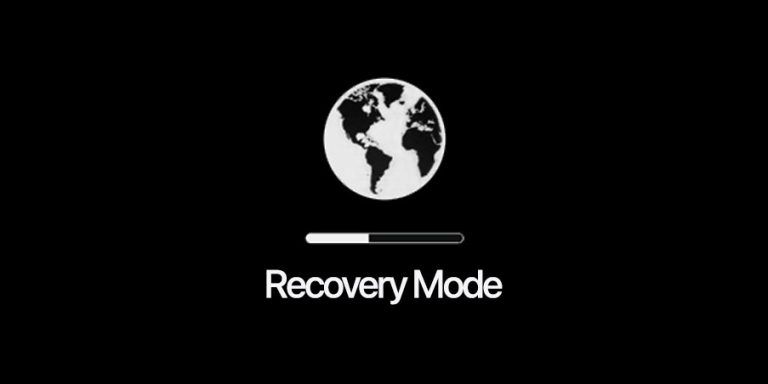
How to use macOS Recovery Mode

There are several key combinations to boot your Mac in recovery mode during start up. Depending on what you need to do with macOS Recovery mode these combinations serve different purposes. Remember these options work on an Intel based Macs:…

Disable AutoBoot

Ever since 2016 when you open the lid of your Apple laptop whether it’s an Apple MacBook Air or MacBook Pro it will automatically turn on and boot into macOS. If for whatever reason you need to disable it you…

How to Change Service Order for Network Interfaces

There are times that you might need to change the Service Order for your network interfaces in macOS. By default the primacy NIC adapter is the LAN adapter which usually is detected as en0. On devices like MacBook Air or…

Enable Write Access to TimeMachine Backup Disks

Many of us use TimeMachine as a backup strategy for our Mac. I’ve been using it for as long as Apple introduced it back in 2007. But ever since macOS Big Sur Apple revamped TimeMachine to improve APFS support and…

Building OCLP Alpha for macOS Ventura

Here’s how to build OpenCore Legacy Patcher for installing macOS Ventura on unsupported Macs. In this guide I will explain how to build OpenCore Legacy Patcher 0.5.0 Alpha and install macOS Ventura on a Late 2013 13” MacBook Pro which…

Network Speed Test

If you wonder how fast your network speed is there are few sites and tools available and you already may know some or all of them. But there’s a built-in test in macOS Monterey which can be accessed from Terminal.…