
DeskBridge v0.5.3
Share one mouse and keyboard between two Macs or PCs, it's a software KVM switch. Also sends files over your local network and syncs the clipboard.
macOS 11.0+
Windows · v0.5.3
Universal Binary
Free
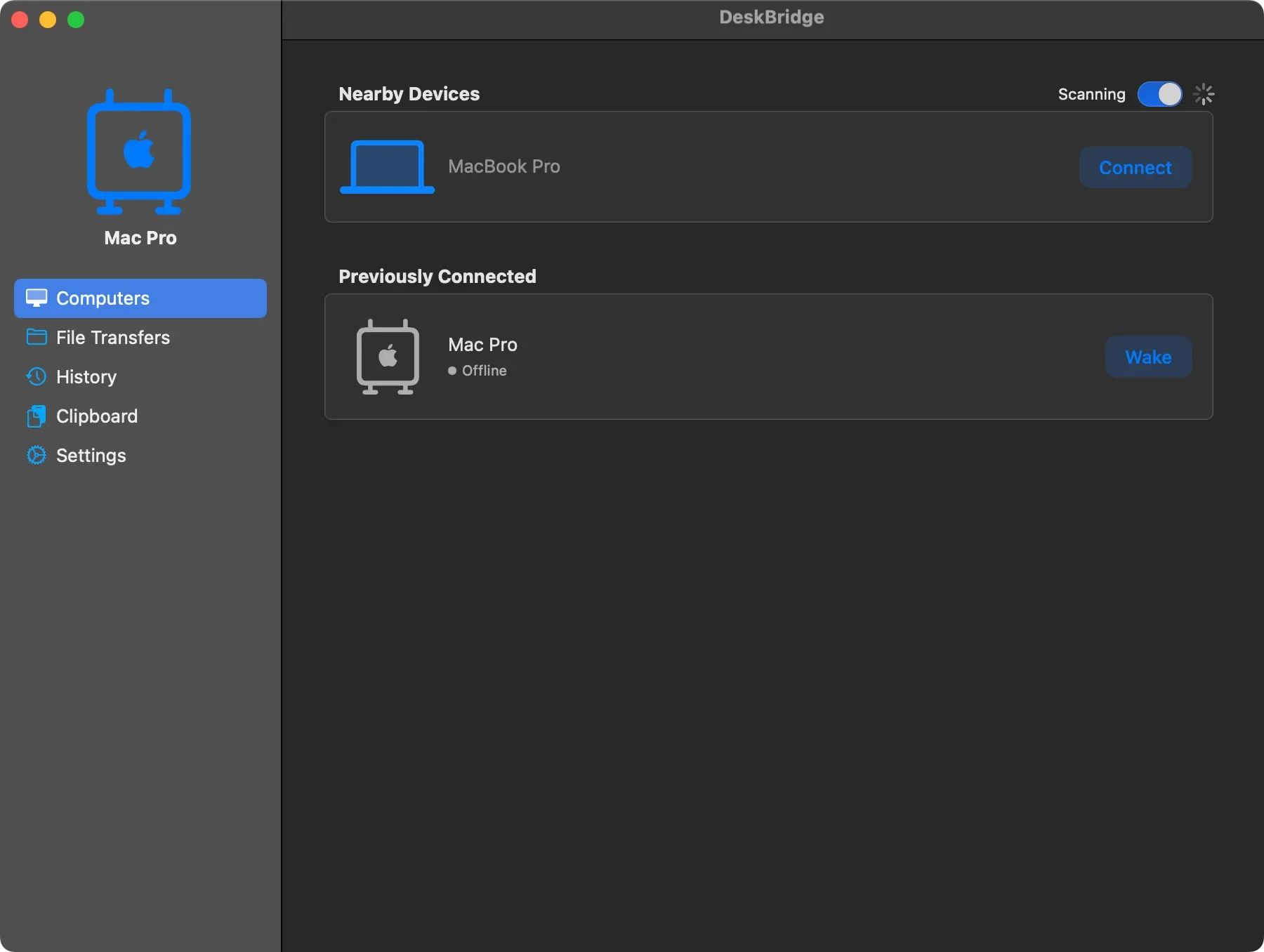
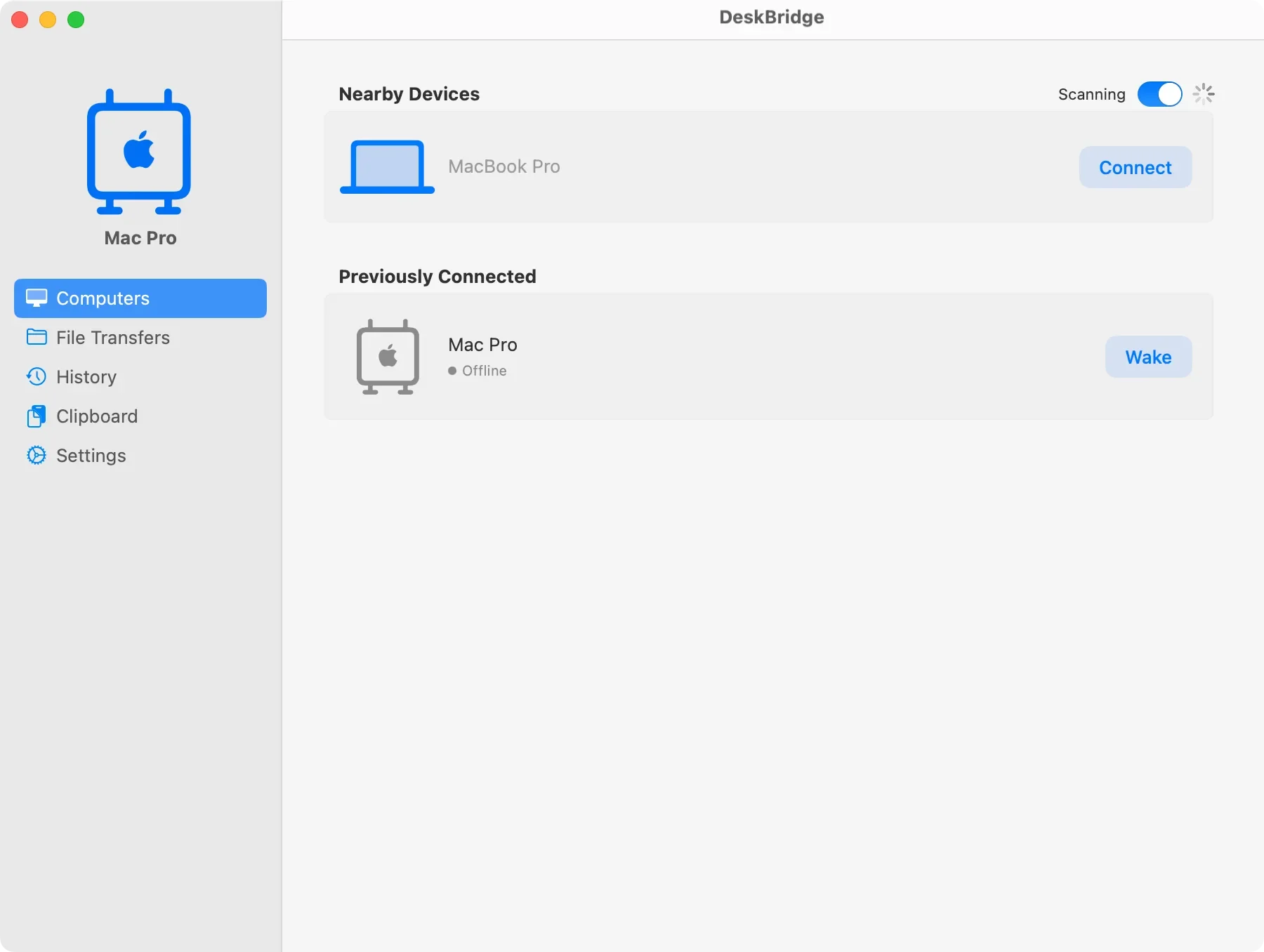
DeskBridge connects the Macs on your desk. It transfers files, syncs your clipboard history and manages nearby devices over your local network, without an internet connection. Built for speed and reliability when AirDrop falls short.
Fast
Local Transfers
Sync
Clipboard History
Zero
Cloud Dependency
Free
No account required
Features
Features that connect your workflow
A few reasons to give it a try.
Software KVM
Control two Macs with one mouse and keyboard. Move the cursor off the edge of one screen and you're controlling the other.
Instant File Transfers
Drag and drop files across screens to instantly send them to your other Mac over your secure local network.
Universal Clipboard
Sync text and images across devices instantly. Copy on one Mac and paste on the other without relying on iCloud delays.
Guide
How to use DeskBridge
- Download DeskBridge using the button above.
- Open the downloaded file and move it to your Applications folder.
- Launch DeskBridge and follow the on-screen instructions.
Technical Details
System requirements
Version
0.5.3
macOS
Big Sur 11.0 or later
Architecture
Universal (Intel + Apple Silicon)
Privileges
None required
Price
Free
Ready to try DeskBridge?
Control two Macs with one keyboard and mouse.